
Free · No sign-in · No upload
Matcha Filter Remover
Reduce the green cast, grain and flat contrast of the Matcha Filter look. Your photo is processed locally in this browser tab.
Drop a photo here or click to upload
PNG, JPEG, WebP or AVIF · up to 25 MB
Preset
Neutralizes the green cast and restores contrast.
Smooths added grain while keeping edges.
Sharpens edges and fine texture.
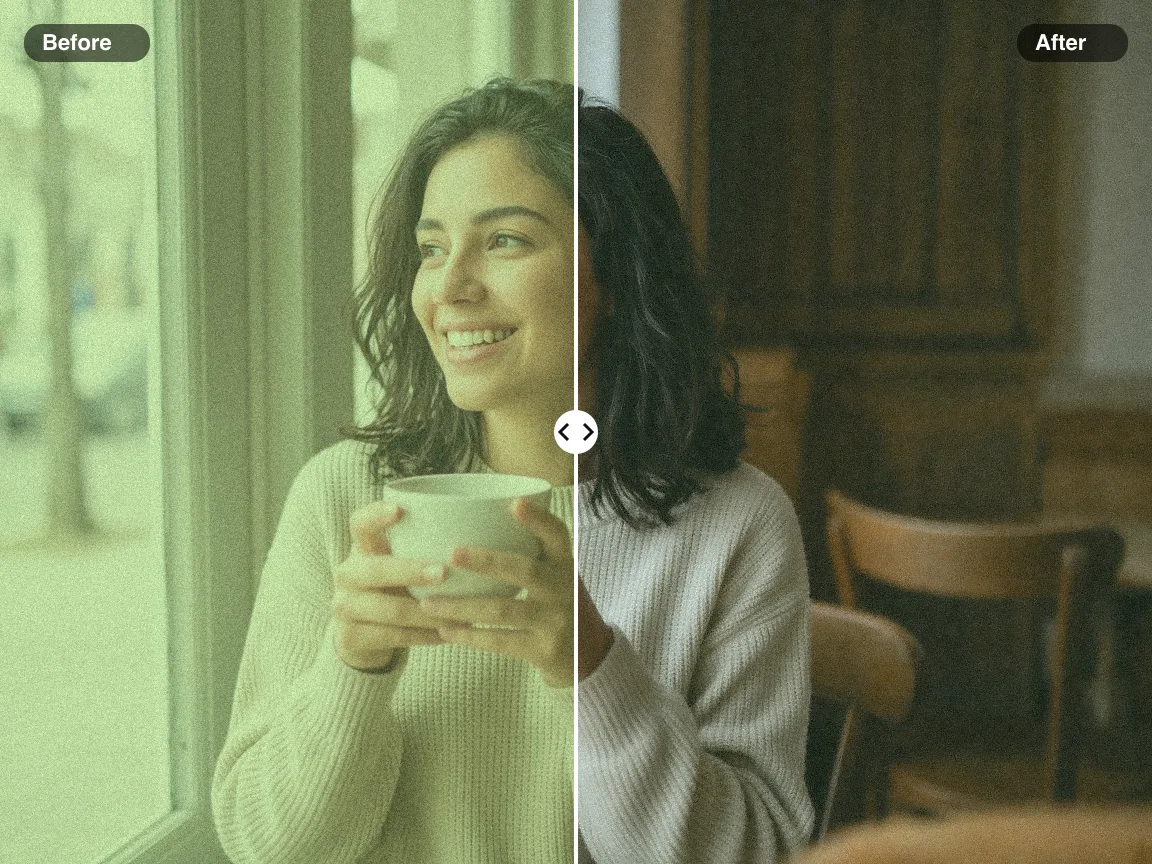
Before / after preview
Upload a photo or try the sample to compare the result live.
Matcha Filter Remover — Free & Private
Use the Matcha Filter Remover to lift the green cast, calm the added grain and bring back contrast.
Everything runs in your browser — your photo is never uploaded.
What Is the Matcha Filter?
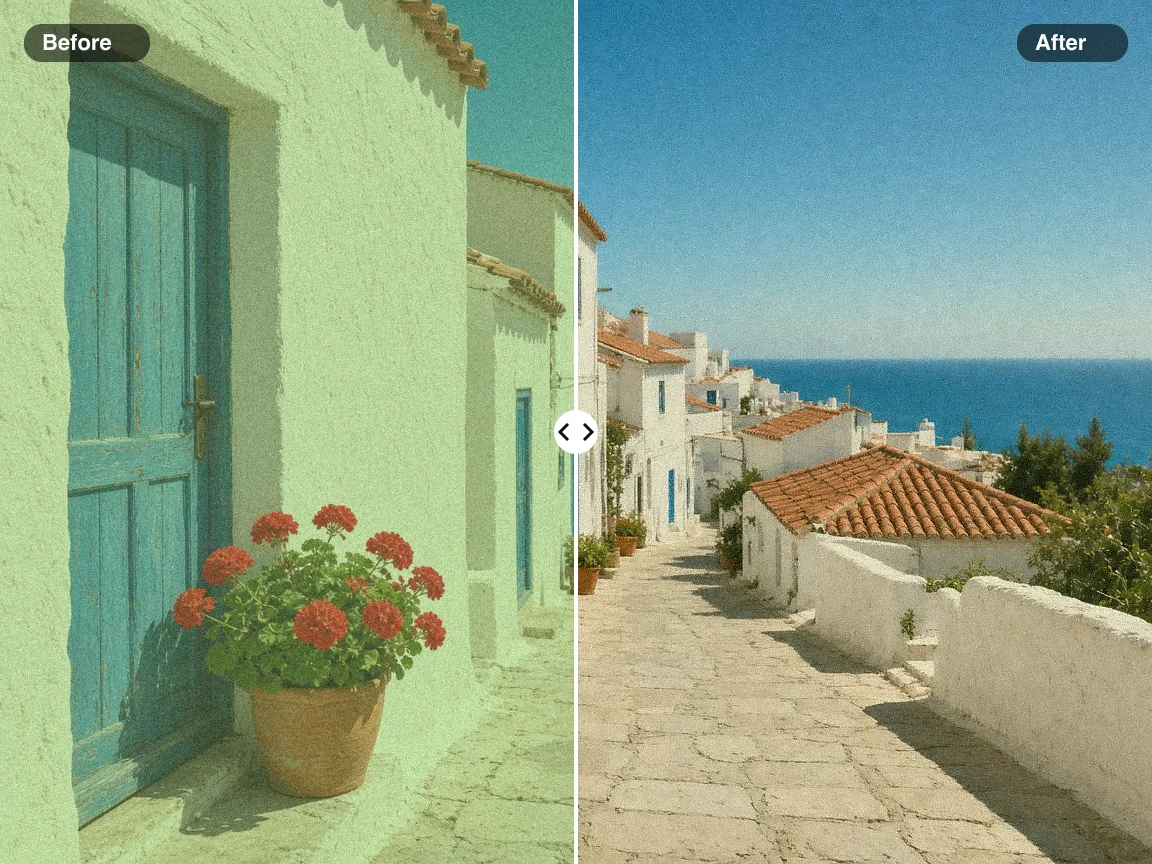
The Matcha Filter is a viral TikTok and Instagram look that tints photos a creamy olive green, adds film-like grain and flattens contrast. It looks dreamy, but skin turns sallow and whites go green. The Matcha Filter Remover measures your photo and reverses the color grade so it looks natural again.
Neutralizes the Green Cast
Automatic white balance pulls olive midtones back to neutral while keeping real greens like leaves.
Calms Added Grain
Edge-preserving smoothing reduces the grain overlay without smearing faces or text.
Restores Contrast
Lifted blacks and dull whites are stretched back so the photo regains depth.
100% Local Processing
Your photo is decoded and corrected in the browser tab — nothing is sent to a server.
Why Use the Matcha Filter Remover on Lucer
A focused, free tool for one job: getting the Matcha Filter look out of your photos.
How to Remove the Matcha Filter
Three steps, all in your browser:
Upload Your Photo
Drop a PNG, JPEG, WebP or AVIF file, or try the sample photo.
Tune Color, Noise and Detail
Start from a preset, then adjust the sliders while comparing before and after.
Download PNG or JPG
Export the corrected photo at full resolution, up to 4096px on the long edge.
Matcha Filter Remover Features
Everything you need to undo the Matcha Filter look.
Three Presets
Light, Moderate and Strong presets for lightly or heavily filtered photos.
Fine Control
Separate Color, Noise and Detail sliders for precise results.
PNG or JPG Export
Lossless PNG by default, or a smaller JPG when you need it.
High Resolution
Exports up to 4096px on the long edge from files up to 25 MB.
Works Offline-Fast
Processing happens on your device, so results appear instantly.
Any Modern Browser
Chrome, Edge, Safari and Firefox on desktop or mobile — no app needed.
FAQ: Matcha Filter Remover
More questions? Reach out via the contact options in the footer.
Remove the Matcha Filter Now
Jump to the tool above, drop a photo and compare the result instantly — free and private.