
AI Wedding Maker
AI Wedding Maker — Romantic Wedding Photos
Upload 1–2 face references and generate a romantic wedding portrait with GPT Image 2.
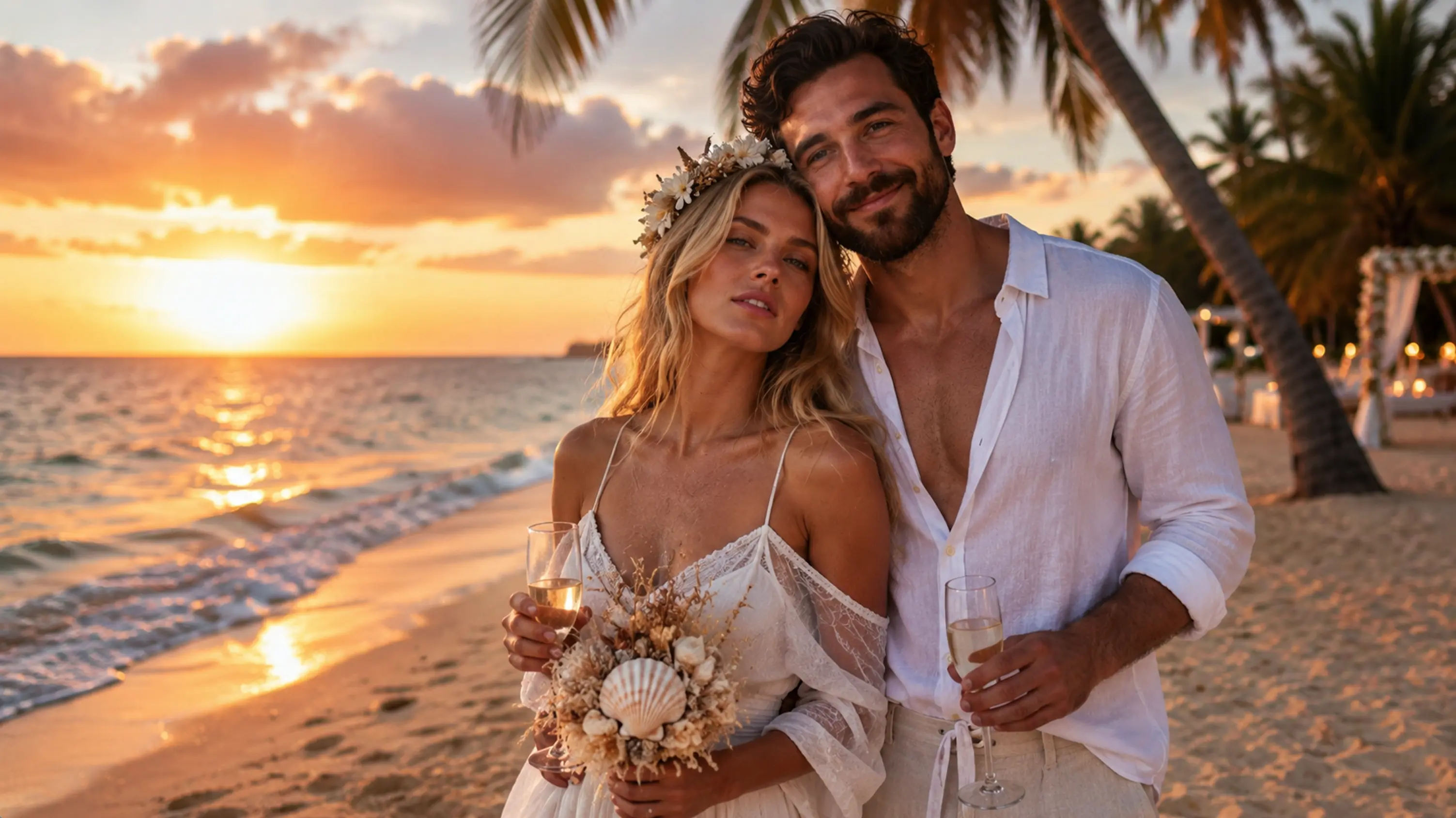
AI Wedding Maker — Create Wedding Photos Free Online
Use AI Wedding Maker to generate romantic wedding portraits — pick a style preset, upload up to two references, and create in one click.
AI wedding photos for beach, loft, mountain, and more — built for fast wedding storytelling on Lucer.
What Is AI Wedding Maker?
AI Wedding Maker is a wedding photo generator on Lucer. Choose a wedding style preset, upload one or two face references, and GPT Image 2 creates a romantic wedding couple portrait that aims to keep facial identity while matching the selected wedding scene.
Upload Face References
Start AI Wedding Maker with clear portraits — one or two people — so the wedding photo can keep both faces consistent.
Wedding Style Presets
Browse AI Wedding Maker presets — beach, loft, mountain, and more — then tap one style to set the wedding scene and wardrobe mood.
Identity-Aware Wedding Photos
AI Wedding Maker aims to retain facial features from your uploaded references while composing the wedding couple portrait.
Transparent Credits
Each AI Wedding Maker run shows its credit cost before you confirm. Sign in to track your balance and top up on Pricing.
Why Use AI Wedding Maker on Lucer
A focused AI Wedding Maker flow — pick a wedding style, upload references, generate, download — so you explore wedding looks without booking a new shoot for every concept.
How to Use AI Wedding Maker
Three steps to AI Wedding Maker results:
Choose a Wedding Style
Pick a wedding style preset in AI Wedding Maker — beach, loft, mountain, or another scene that fits your story.
Upload References
Add up to two clear face photos — AI Wedding Maker uses them to keep each person recognizable in the wedding portrait.
Generate & Download
Click Generate, wait for AI Wedding Maker to finish, review the preview, and download when satisfied.
AI Wedding Maker Features
Everything in this workspace is tuned for wedding photo generation — not generic image editing alone.
Wedding Style Presets
AI Wedding Maker offers scene presets such as beach, loft, and mountain for different wedding moods.
Up to Two Face References
AI Wedding Maker accepts one or two portraits so the couple can stay consistent in the wedding photo.
Facial Feature Retention
AI Wedding Maker aims to keep identity cues from your uploaded references in the final wedding portrait.
Romantic Wedding Atmosphere
Each AI Wedding Maker preset pairs wardrobe and lighting cues with a cohesive wedding scene.
Predictable Credit Cost
See credits required before each AI Wedding Maker run — no surprises at checkout.
Inline Preview
AI Wedding Maker results appear in the workspace panel so you can iterate without leaving the page.
FAQ: AI Wedding Maker
More questions about AI Wedding Maker? Reach out via the contact options in the footer.
Try AI Wedding Maker Now
Jump to the generator above, pick a wedding style, upload references, and create with AI Wedding Maker — or open Pricing for credits.