
KI-Bikini-Foto-Generator
Dein Foto hochladen
Bikini-Stil wählen
KI-Bikini-Foto-Generator — Strand- & Resort-Badebekleidung online
Foto hochladen, dezenten Bikini wählen und urlaubsreife Looks mit dem KI-Bikini-Foto-Generator erstellen — schnell, einfach und online.
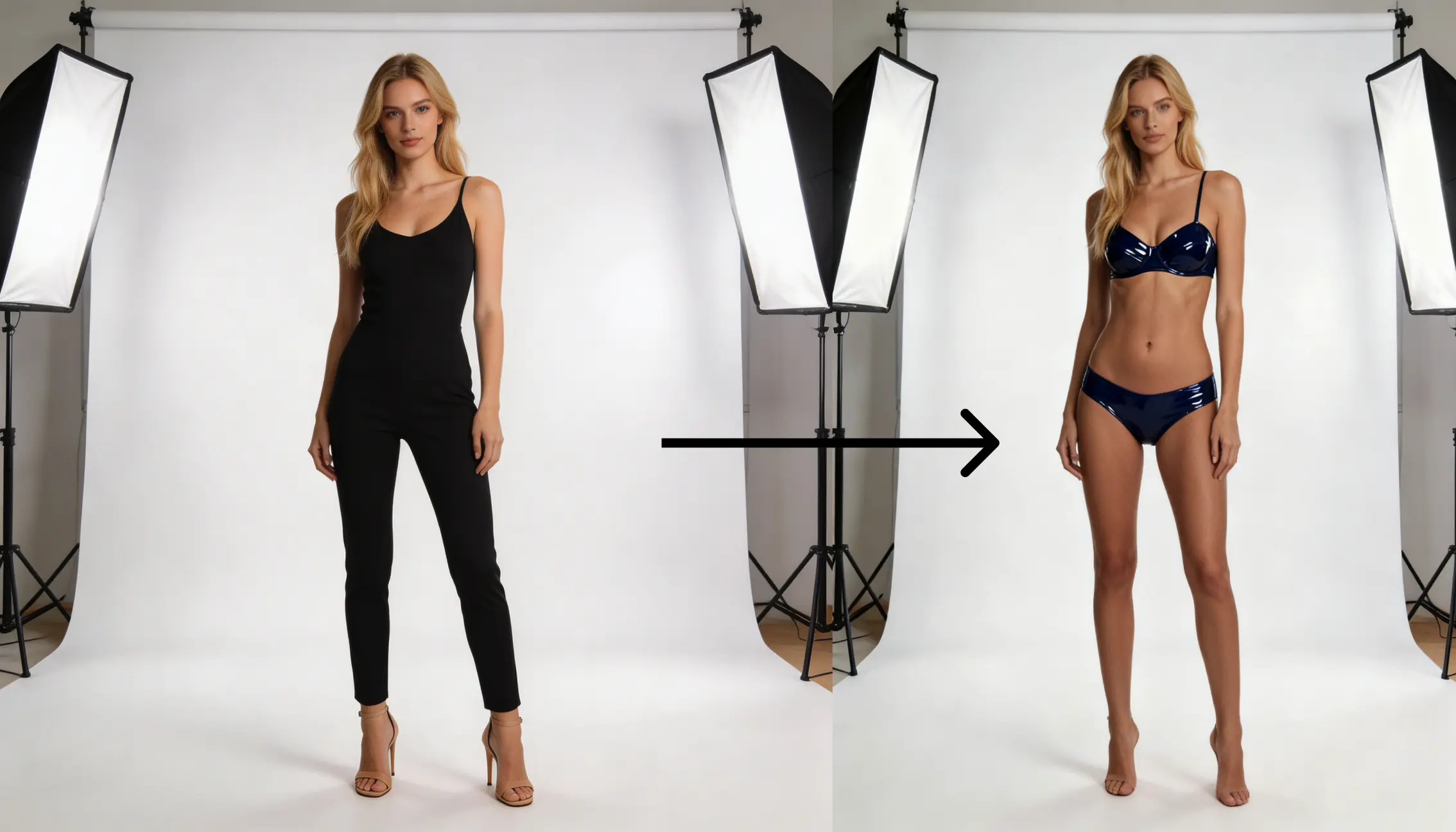
KI-Bikini-Foto-Generator — Strand- & Resort-Badeanzug-Editor kostenlos online
Nutze den KI-Bikini-Foto-Generator, um dezente Strand- und Resort-Badebekleidung auf deinen Fotos zu sehen — Portrait hochladen, Frauen- oder Männer-Bikini wählen und urlaubsreife Looks mit einem Klick erstellen.
Gesunde Badebekleidung für Pool, Reise und Sommer — schnelle Edits auf Lucer.
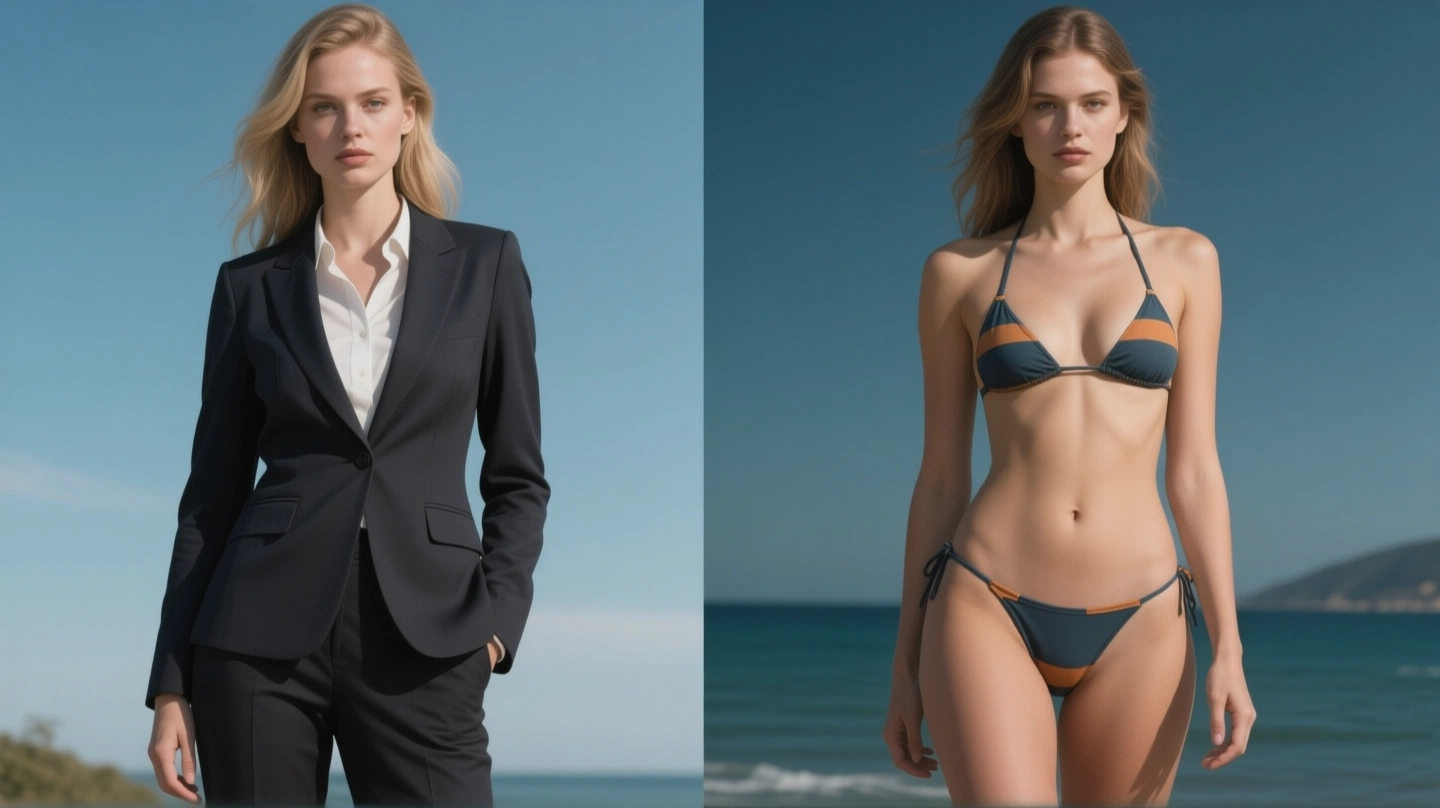
Was ist der KI-Bikini-Foto-Generator?
Der KI-Bikini-Foto-Generator ist ein Badebekleidungs-Styling-Tool auf Lucer, das mit zwei Bildern arbeitet. Dein Foto ist die erste Eingabe, eine dezente Bikini-Vorlage die zweite. Die KI überträgt die gewählte Strand- oder Resort-Badebekleidung und soll dabei Ausdruck, Körperhaltung und die ursprüngliche Szene bewahren — für Urlaubsvorschauen, nicht für explizite Inhalte.
Dein Foto hochladen
Starte den KI-Bikini-Foto-Generator mit einem klaren Portrait oder Ganzkörperfoto — die Person auf diesem Bild erhält den gewählten Badebekleidungs-Stil.
Frauen- & Männer-Vorlagen
Durchstöbere unter „Bikini-Stil wählen“ scrollbare Vorlagen — klassisch, gestreift, sportlich und tropisch, gestaltet für Strand- und Resort-Kontexte.
KI-Styling mit zwei Bildern
Der KI-Bikini-Foto-Generator verarbeitet dein Foto und eine Badebekleidungs-Referenz gemeinsam — deine Pose bleibt, die Vorlage bestimmt den dezenten Bikini-Look.
Transparente Credits
Jeder Lauf im KI-Bikini-Foto-Generator zeigt die Credit-Kosten vor der Bestätigung. Melde dich für Guthaben an und lade bei Bedarf unter „Preise“ auf.
Warum du den KI-Bikini-Foto-Generator auf Lucer nutzen solltest
Ein fokussierter Ablauf im KI-Bikini-Foto-Generator — hochladen, dezente Badebekleidungs-Vorlage wählen, erstellen, herunterladen — so erkundest du Urlaubs-Looks ohne komplexe Bildbearbeitung und ohne unangemessene Inhalte.
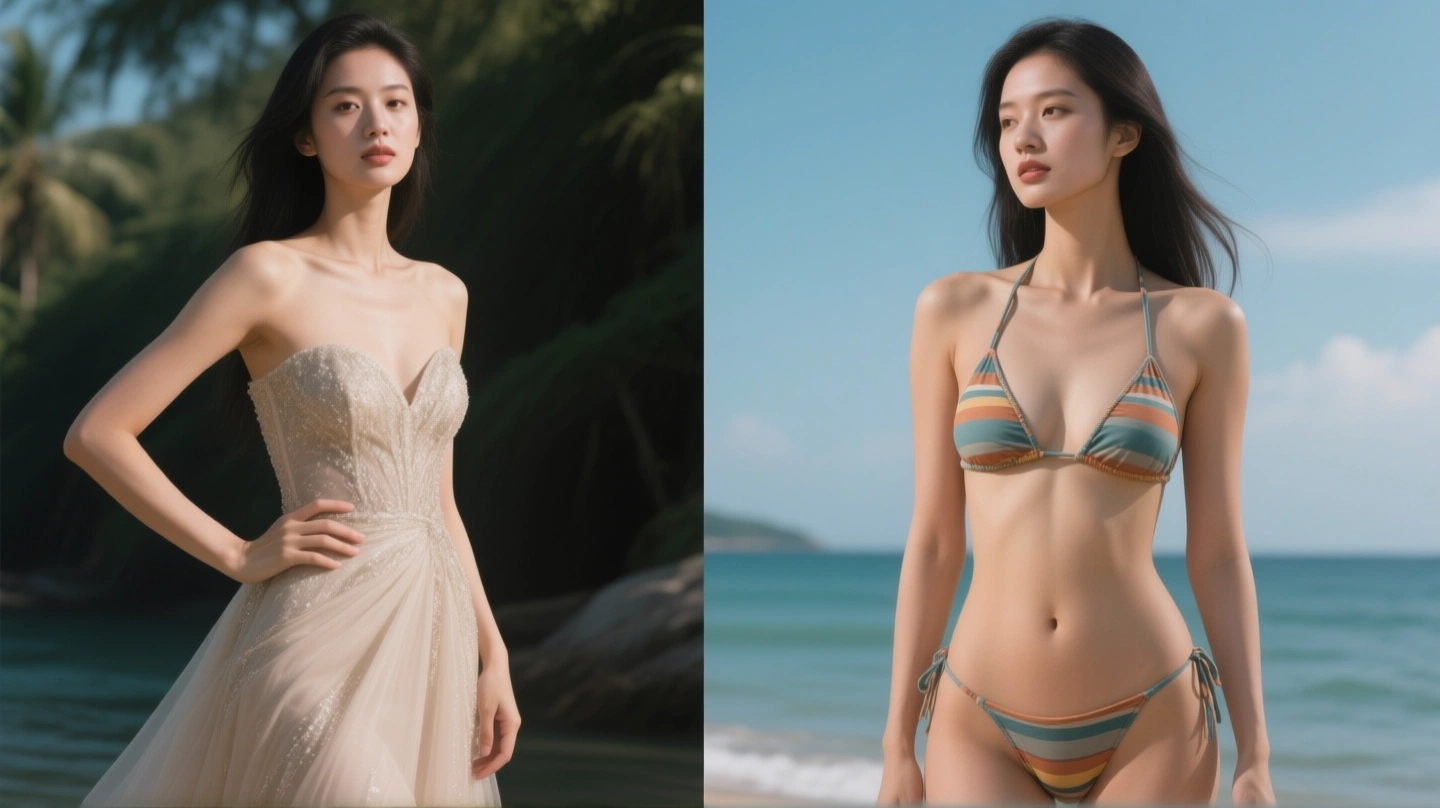
So nutzt du den KI-Bikini-Foto-Generator
Drei Schritte zu Ergebnissen aus dem KI-Bikini-Foto-Generator:
Dein Foto hochladen
Füge über „Dein Foto hochladen“ ein klares Bild der Person hinzu, die du neu stylen willst — Portrait oder Ganzkörper funktioniert für Strand- und Pool-Edits im KI-Bikini-Foto-Generator am besten.
Bikini-Stil wählen
Öffne unter „Bikini-Stil wählen“ den Tab „Frauen“ oder „Männer“ und wähle eine dezente Badebekleidungs-Vorlage aus dem Raster — jeder Stil ist für Urlaubs- und Resort-Kontexte gestaltet.
Generieren & herunterladen
Auf „Bikini-Foto generieren“ klicken, warten, bis der KI-Bikini-Foto-Generator fertig ist, Vorschau prüfen und bei Zufriedenheit herunterladen.
KI-Bikini-Foto-Generator-Funktionen
Alles in diesem Workspace ist auf dezente Strand- und Resort-Badebekleidungs-Edits ausgerichtet — nicht nur generische Bildbearbeitung.
Badebekleidungs-Styling mit zwei Bildern
Der KI-Bikini-Foto-Generator sendet dein Foto und eine Badebekleidungs-Referenz gemeinsam — für eine konsistente Übertragung dezenter Bikinis.
Frauen- & Männer-Vorlagen-Galerien
Scrollbare Badebekleidungs-Beispiele im KI-Bikini-Foto-Generator — mit einem Tipp als Stil-Referenz auswählen.
Fokus auf gesunde Inhalte
Der KI-Bikini-Foto-Generator ist für Urlaubs-, Pool- und Sport-Badebekleidung gebaut — mit dezenten Stil-Vorlagen und familienfreundlicher Ausrichtung.
Pose & Hintergrund bleiben
Der KI-Bikini-Foto-Generator soll Ausdruck, Körperhaltung und die Szene hinter der Person unverändert lassen.
Vorhersehbare Credit-Kosten
Credits sind vor jedem Lauf im KI-Bikini-Foto-Generator sichtbar — keine Überraschungen beim Bezahlen.
Inline-Vorschau
Ergebnisse erscheinen direkt im KI-Bikini-Foto-Generator-Panel — iterieren, ohne die Seite zu verlassen.
FAQ: KI-Bikini-Foto-Generator
Weitere Fragen zum KI-Bikini-Foto-Generator? Kontaktiere uns über die Optionen in der Fußzeile.
Jetzt den KI-Bikini-Foto-Generator testen
Springe oben zum KI-Bikini-Foto-Generator, lade dein Foto hoch, wähle eine dezente Badebekleidungs-Vorlage und erstelle deine Urlaubs-Looks — oder öffne „Preise“ für Credits.