
Bicep Heart AI
Bicep Heart AI — フレックス&ハート
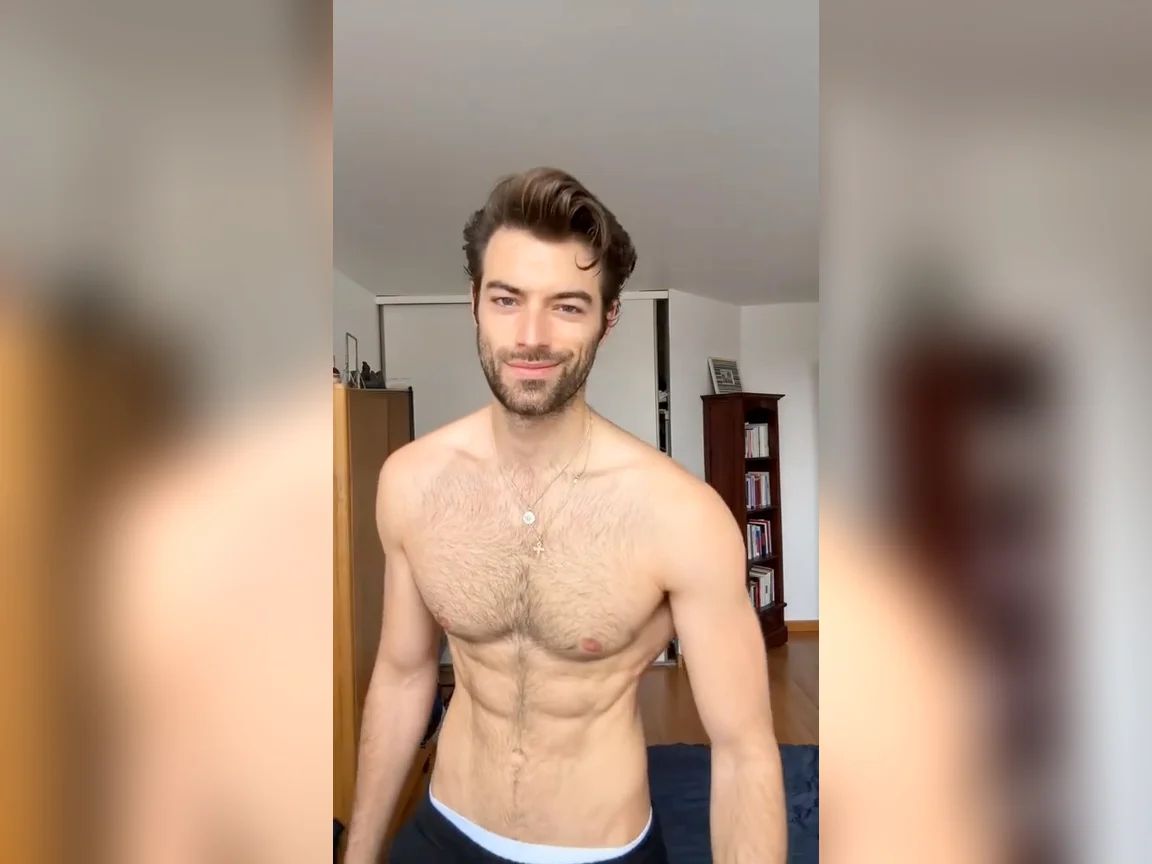
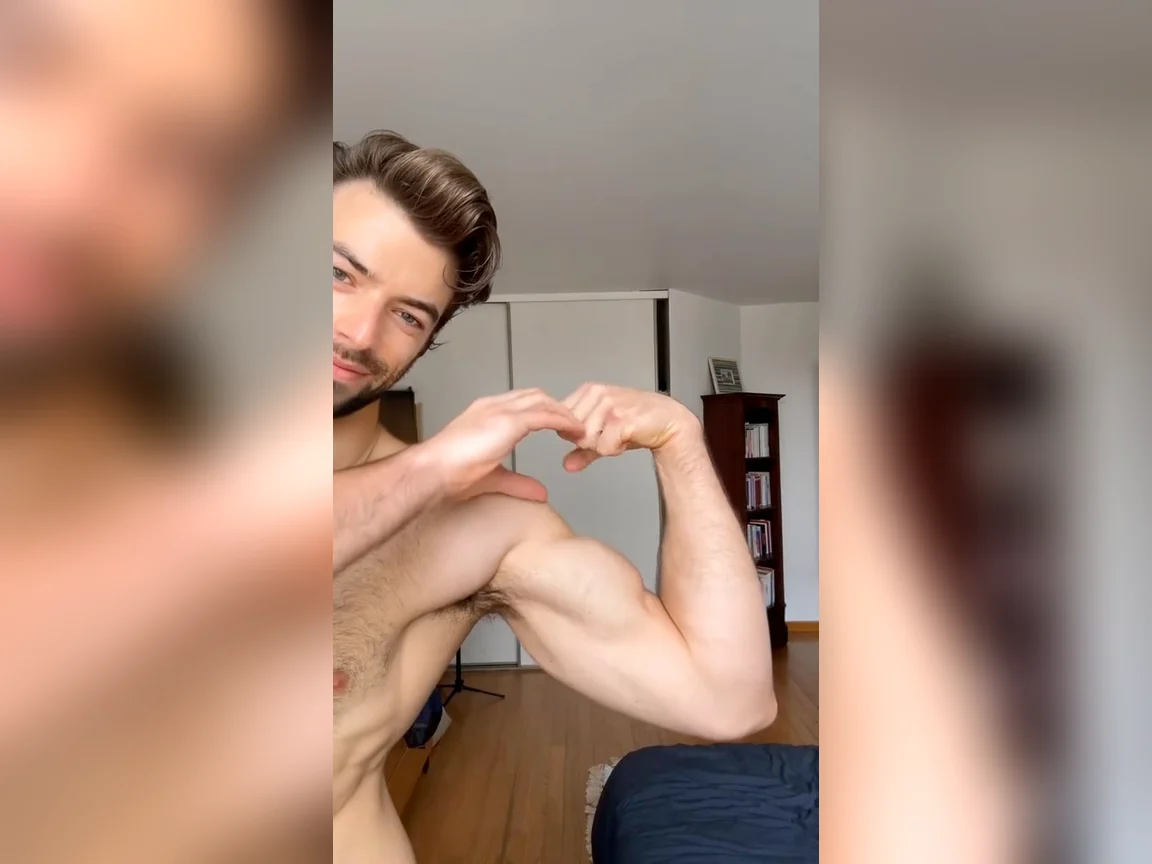
写真1枚で話題の bicep heart に:袖を上げ、フレックス、手でハート、笑顔で送る。
Bicep Heart AI — フレックス、ハート、送信
写真1枚で自分の Bicep Heart AI 動画を作れます。
袖を上げ、片腕をフレックスし、もう片方の手で二頭筋にハート — 笑顔で送る。
Bicep Heart AI トレンドとは?
Bicep Heart AI は話題の TikTok <strong>#bicepheart</strong> クリップを再現します:ジムのフレックスに甘い仕草を合わせたもの。クリアな写真をアップロードすると、AI が参照モーションを適用しつつ顔を保ちます。
One Photo
Upload a single clear portrait or half-body shot. You become the flex.
Motion Lock
Sleeve, flex, hand heart and smile timing follow the reference video.
Identity Kept
Your face stays consistent while the pose transfers from the template.
~8s Clip
Output is a ready-to-share short vertical video at 720p.
なぜ Lucer で Bicep Heart AI を作るのか
send-bicep-hearts トレンドに数分で参加 — 撮影も CapCut もアームデイも不要。
Bicep Heart AI 動画の作り方
3つの簡単なステップ:
Upload One Photo
顔と上半身がはっきり見える、明るくクリアな写真を追加。
Click Generate
1回あたり 60 クレジット。クリップ生成中はこのページを開いたままにしてください。
Download & Send
短い縦型動画を入手して投稿 — または誰かに bicep hearts を送ろう。
Bicep Heart AI の機能
Bicep Heart AI トレンドに参加するために必要なすべて。
Face Identity Lock
Your look stays consistent through the flex and heart hold.
Kling 3.0 Motion Control
Powered by KIE Kling 3.0 Motion Control for accurate pose transfer.
Template Motion
Reference video drives the sleeve, flex and heart timing.
Fixed 720p
Clean short-form output ready for social feeds.
Works in Browser
No app to install — create on desktop or mobile.
Credits Refund
Failed runs refund automatically.
FAQ: Bicep Heart AI
その他の質問はフッターの連絡先からどうぞ。