
GTA6 Filter
GTA6 Filter — You in Vice City
Upload a photo and get a cinematic GTA VI-inspired game poster portrait.
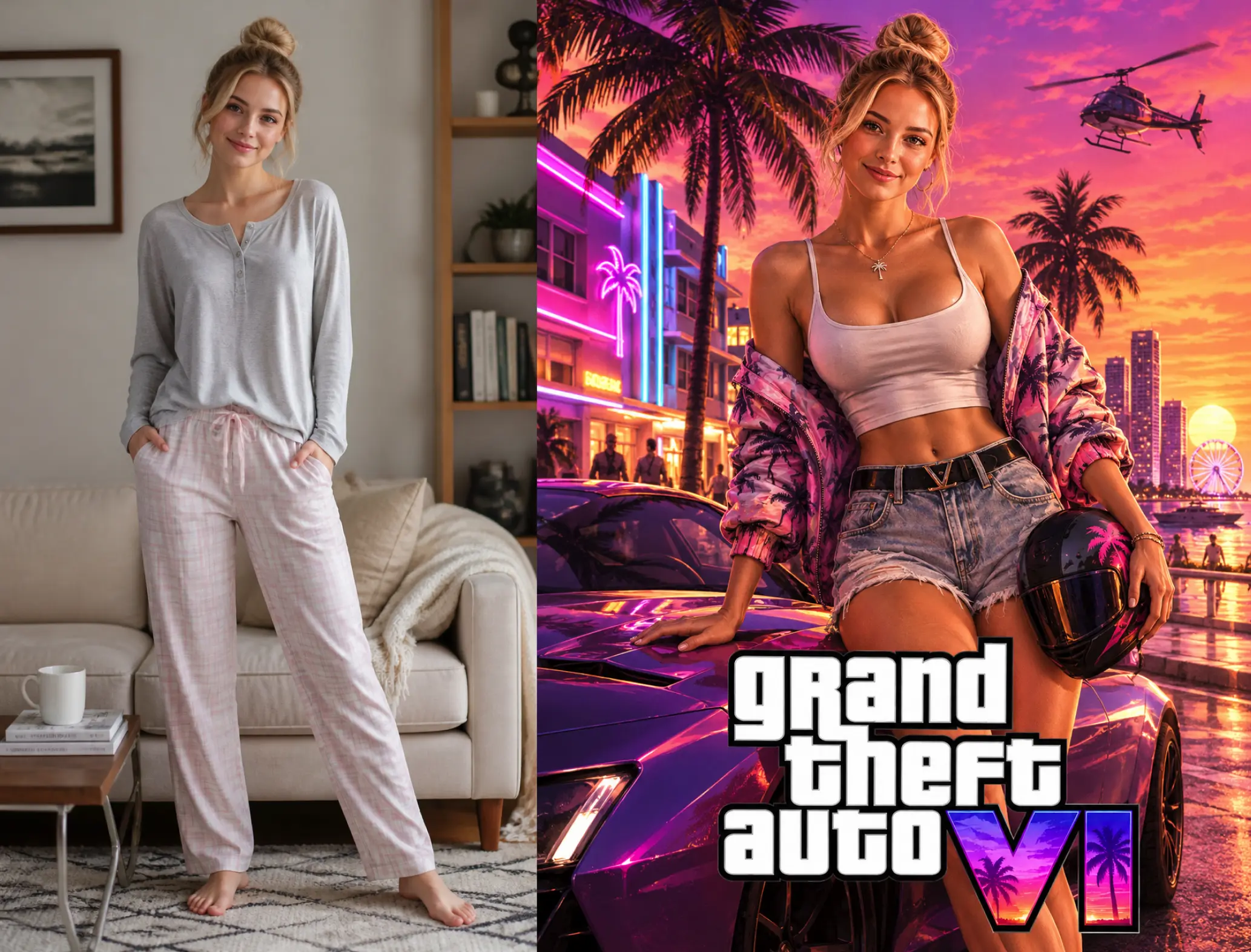
GTA6 Filter — Put Yourself in Vice City
Use GTA6 Filter to turn one photo into a photoreal open-world game portrait.
Upload a clear photo and generate a cinematic Vice City game poster — then download.
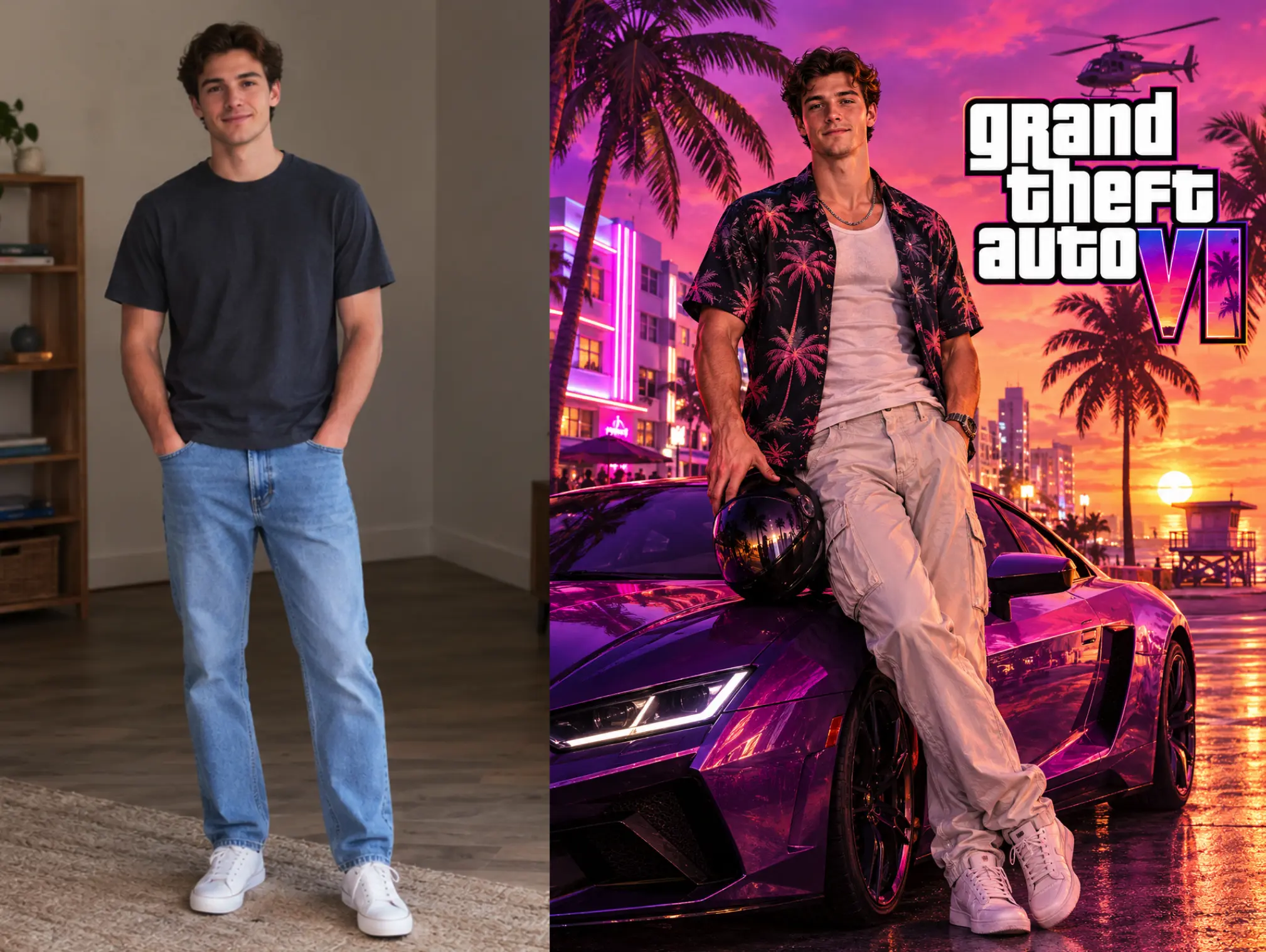
What Is GTA6 Filter?
GTA6 Filter is Lucer's viral photo effect for the GTA VI / Vice City look. Upload a clear selfie, and GPT Image 2 rebuilds you as an in-game style character while aiming to keep your face recognizable.
Upload One Photo
Start with a clear front-facing face or half-body photo so GTA6 Filter can keep your likeness.
Pick a Scene
No prompt writing — GTA6 Filter applies a cinematic poster prompt automatically.
Generate & Download
Preview the GTA 6 style portrait inline, then download when the scene looks right.
GTA6 Filter Features
Everything you need for the viral GTA 6 photo trend.
Single photo input
One clear reference per run keeps the effect focused on your likeness.
Scene presets
A fixed cinematic GTA VI poster prompt applied automatically.
Photoreal game look
Tuned for in-game screenshot / key-art vibes — not classic cel-shaded loading art.
GPT Image 2
Runs on GPT Image 2 via KIE for strong face consistency.
Content checks
Uploaded photos are moderated before generation; credits refund on blocks and failures.
Inline preview
Review results in the workspace panel and download in one click.
FAQ: GTA6 Filter
More questions? Reach out via the contact options in the footer.
Try GTA6 Filter Now
Upload a photo above, pick your Vice City scene, and generate — or visit Pricing for more credits.